~/talk

How to Choose the Right Unity Performance Tools
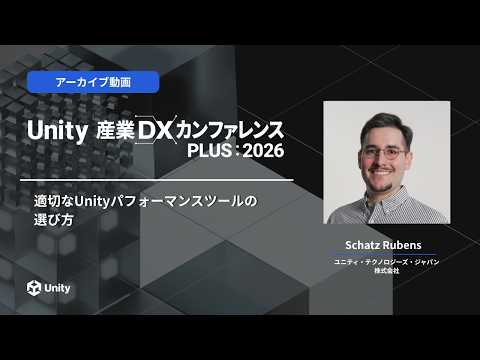
TalkinJapaneseat Unity 産業DXカンファレンス PLUS 2026 · on Wednesday, 2026-08-05· [web-performance]
links:none on file
slides:none on file

Practical guidance on choosing and using Unity performance tools—specifically Project Auditor, the Unity Profiler, and Memory Profiler—to diagnose CPU, memory, and project-level issues. Presents when to use each tool and a simple, systematic optimization workflow so developers can get a clear starting point for performance investigations.

AI-written summary · about

  1. 0:00Unity performance tools intro
  2. 2:45Performance issues analysis flow
  3. 7:21Project Auditor overview
  4. 10:02Unity Profiler basics
  5. 14:03Memory Profiler workflow
  6. 16:52Demo setup overview
  7. 17:54Project Auditor demo
  8. 21:30Profiler measurement demo
  9. 26:21Memory snapshot demo
  10. 31:59Summary
~/search
type to search 8,222 conferences, 162,397 speakers and 219,688 talks
~/help
cmdctrl k
search every conference, speaker and series
/
focus the filter search
h
home
c
conferences
s
speakers
e
series
t
light / dark — the status bar button does the same
← →
on a talk: 5 seconds back / forward
0–9
on a talk: jump to 0%–90% of the recording
?
this help
esc
close this, then clear every filter — or just the search, while you are typing in it

Ignored while you are typing. Pages without a filter rail have no search to focus.