Summarizing & analyzing videos

summary
Demonstrates that the Mux MCP server lets teams skip building video infra by ingesting uploads, generating subtitles and transcripts from an asset ID, auto‑creating chapters and storyboard images, clipping a 1:27 file to a 39s clip, and provisioning a live stream key for OBS that works. Shows AI workflows (11 Labs dubbing with imperfect quality), content moderation that vectorizes and checks every ~20 seconds, and pulls analytics (example video reports 5 views, 720p, 16:9). Claims zero‑ops delivery so features ship faster.
AI-written summary · about
chapters (14)
- 0:00Introduction to Mux
- 3:17Video infrastructure challenges
- 5:10HLS, bitrates, and players
- 7:31Multi-CDN and reliability
- 9:17Device and format support
- 11:17Mux MCP server overview
- 12:58Managing video assets
- 13:52AI captions and subtitles
- 14:55Video summarization
- 15:40Content moderation
- 17:33Live streaming and data
- 18:39Clipping and chapters
- 20:29Advanced AI integrations
- 23:07Conclusion and Q&A
related talks
 22mThe User (has) Generated Content... so what now?
 33mMaximize lifetime value of media content
 16mImproving Video Delivery and Streaming Performance with...
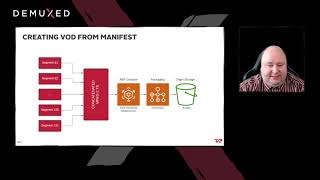 18mHow we accelerated Live 2 VOD delivery from 15 minutes to under a minute
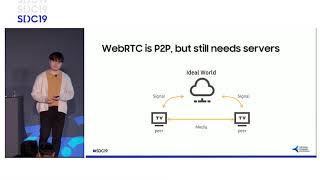 41m8K Codec Low-Latency Livestreaming, and AI Streaming
 29mUsing Amazon Transcribe to make content searchable and accessible
 24mVideo streaming on the web: Live and recorded video streaming
 40mSmart Crop and Smart Preview via Video Understanding