Debugging PySpark - Pretending to make sense of JVM stack traces
summary
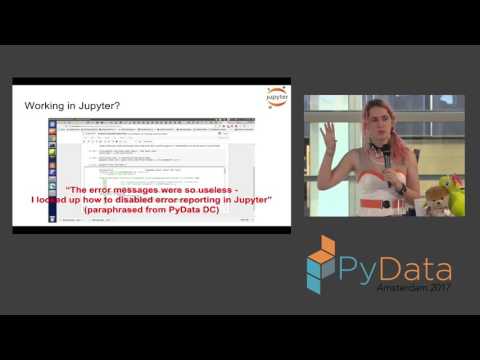
Covers concrete debugging tactics for PySpark: where to find useful output (use the spark history server or worker stderr rather than the console), how to surface the real Python error (break pipelining with cache/persist to isolate a failing transformation or use take), dynamic log-level tuning in notebooks, using accumulators for counts while warning about double‑counting up to J times, and fixes for OOMs (more partitions, increase Python memory percent in YARN, inspect jumbo records).
AI-written summary · about
chapters (18)
- 0:00Debugging PySpark stack traces
- 3:37How PySpark works behind the scenes
- 7:56PySpark error messages
- 9:02Spark UI and YARN logs
- 13:39Spark logging levels
- 14:43Python and JVM stack traces
- 18:35PySpark exceptions
- 20:21Chained transformations debugging
- 21:48Lambdas and code structure
- 22:52Testing PySpark code
- 23:57Custom logging in PySpark
- 25:22Soft errors with accumulators
- 28:59Out of memory exceptions
- 34:06Memory leaks causes
- 35:50JVM exceptions meaning
- 36:11Spark debugging techniques
- 37:14Python debuggers with PySpark
- 37:36PySpark debugging books
related talks
 26mDebugging PySpark -- Or trying to make sense of a JVM stack trace when you were minding your own bus
 43mPySpark in Practice
 41mImproving PySpark Performance Spark performance beyond the JVM
 43mImproving PySpark Performance: Spark performance beyond the JVM
 24mLet’s Rethink Debugging
 41mKeynote: Making the Big Data ecosystem work together with Python
 12mDebugging Python in Production: Practical Techniques Beyond Print Statements
 24mPySpark - Data processing in Python on top of Apache Spark.