From Dev to Prod with GitLab CI
summary
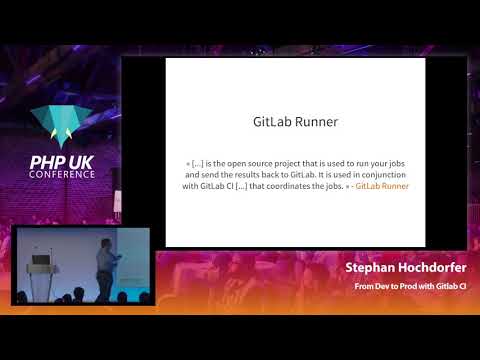
Pipeline-as-code lives in a .gitlab-ci.yml that runs on GitLab CI with self-hosted runners using the docker executor, builds a Magento site via composer, packs it into Docker images, and pushes them to a Sonatype Nexus registry. An HTTP front door uses Traefik labels for routing. Pipelines spin up service containers (MySQL), pass docker build-args, tag images with CI commit slugs, and expose review apps per branch; staging deploys automatically while production uses a manual play button and supports rollback.
AI-written summary · about
chapters (25)
- 0:00Intro
- 2:13Beyond CI/CD
- 5:05Nexus Repository Manager
- 6:33traefik configuration
- 8:35GitLab: Create project
- 8:55GitLab: Create from template
- 10:40GitLab: Push the code
- 12:32GitLab Runner: Register new instance
- 16:39GitLab Runner: Show available runners
- 21:21GitLab Cl: Build Pipeline
- 24:31GitLab Cl: Add MySQL service
- 26:07Build Pipelines (Shared config)
- 26:56Build Pipelines (Stage Deployment)
- 28:38Running your Build Pipeline
- 29:57Nexus: Docker Registry
- 31:19Build Pipelines (Prod Deployment)
- 32:21Prod Deployment running
- 33:38aaaand deployed on prod!
- 35:19Review App Build Pipeline (Start)
- 38:02Merge Request! Merge Request!
- 38:16Build Pipeline running
- 38:42Build Pipeline finished!
- 39:11How to deploy on stage & prod?
- 39:28Merge kicks of Build Pipeline again...
- 40:28GitLab Cl: Environment History
related talks
 38mFrom dev to prod with GitLab CI
 47mGitLab and PHP? It Works! Tips, Tricks and Learnings
 02h 47mPipes on Pipelines
 43mCI⚡CD: theory put into practice
 51mGitLab CI/CD Pipelines with Kubernetes
 52mFrom 0 to Continuous Deployments with Kubernetes, Helm and GitLab
 24mReinvent your pipeline with GitLab, Kubernetes, and Amazon EKS
 48mHow to build solid CI-CD pipeline