Angular Performance: Your App at the Speed of Light
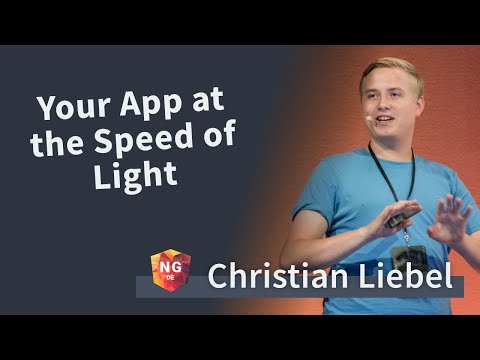
summary
Starts from one rule: if it runs fine don’t prematurely optimize, then shows concrete tools and numbers: Chrome profiler + the embedded CD debug tool to measure thousands of checks (example: ~6000 change detection cycles on frequent events), and specific fixes — switch components to OnPush, use AsyncPipe, call ChangeDetectorRef or runOutsideAngular/NgZone for high-frequency DOM or animation events, and use virtual scrolling to cut bindings. Demonstrations include when each method reduces checks and when it actually improves perceived speed.
AI-written summary · about
chapters (7)
- 0:00If you application works good without optimization - do not optimize it
- 1:11Simple change detection (CD) explanation
- 8:35Embedded CD debug tool
- 10:34simple explanation of what is zone.js and ngZone and how it is related to CD
- 16:00When is it worth implementing optimization
- 22:58CD strategies ( OnPush )
- 27:00Async pipe (how it is related to observable rx.js and CD and OnPush)
related talks
 34mHigh-Performance Applications with Angular
 19mAngular Performance Patterns
 43mAngular Performance Workshop
 23mAngular optimization tips and tricks
 12mAngular performance pitfalls and how to avoid them
 20mAngular Performance in the Enterprise
 31mOptimized Angular apps: smaller, faster, better
 20mTools for Fast Angular Applications