~/talk

Bringing Your Canvas Creations to Life with Jetpack Compose
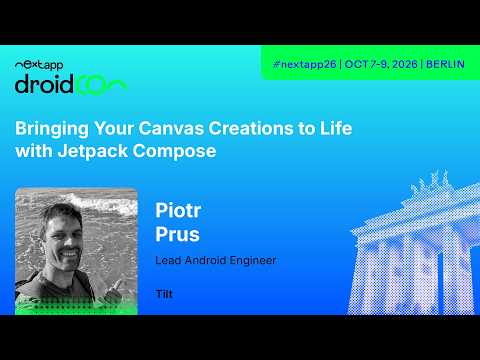
Talkat next.app devCon 2026 · 2026-10-07..10-09· [android]
slides:none on file

Shows how to use graphicLayer with compositionStrategy=Offscreen and specific blend modes like SourceATop and DstIn to color and mask text, applies mesh gradients in Jetpack Compose by animating mesh vertices for a rotating profile flare, builds a reusable canvas particle emitter that renders 10,000+ particles efficiently by drawing scaled bitmap dots instead of live blurs, fakes motion blur with layered ghost arcs for a fortune wheel, and creates morphing blobs via per‑point offset animations and Bezier paths.

AI-written summary · about

  1. 0:00Introduction
  2. 1:47Gradient over text
  3. 5:19Production examples
  4. 9:14Blend modes deep dive
  5. 12:21Advanced blend layers
  6. 16:17Boost component demo
  7. 19:32Particle emitter library
  8. 23:46Fortune wheel animation
  9. 27:40Blob morphing effects
  10. 31:32Summary and Q&A
~/search
type to search 8,222 conferences, 162,397 speakers and 219,688 talks
~/help
cmdctrl k
search every conference, speaker and series
/
focus the filter search
h
home
c
conferences
s
speakers
e
series
t
light / dark — the status bar button does the same
← →
on a talk: 5 seconds back / forward
0–9
on a talk: jump to 0%–90% of the recording
?
this help
esc
close this, then clear every filter — or just the search, while you are typing in it

Ignored while you are typing. Pages without a filter rail have no search to focus.