~/talk

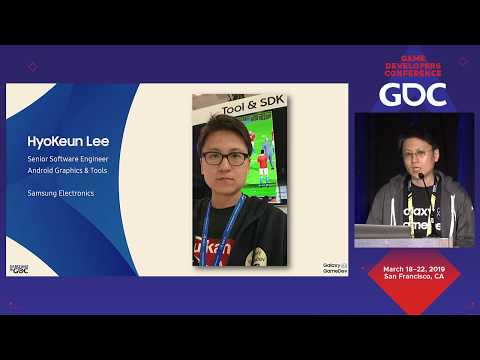
A Quick Look Inside Your Game: GPUWatch & GameSDK
links:none on file
links:none on file
links:none on file
slides:none on file

On-device performance overlay GPUWatch overlay displays real-time CPU/GPU utilization, per-frame render-pass counts, and vertex/fragment timelines on Android P devices with no root or PC install required, and helped cut an example scene from 14 render passes down to 2 then to a 50–60 FPS result after further tweaks. Samsung GameSDK exposes a thermal warning API and CPU/GPU max-level controls (levels 0–3) plus frame-time bottleneck metrics. Unity’s Adaptive Performance package uses GameSDK on a Galaxy S10 to hold ~30 FPS far longer (tests show ~28 FPS after 10+ hours) versus ~20–22 FPS without it.

AI-written summary · about

  1. 0:00Start
  2. 10:56Practice
  3. 11:38Optimization #2
  4. 18:13Thermal throttling
  5. 21:09Power Management
  6. 22:18Bottleneck Identify
  7. 36:39Adaptive Performance: How it works
  8. 41:36Roadmap
~/search
type to search 8,222 conferences, 162,397 speakers and 219,688 talks
~/help
cmdctrl k
search every conference, speaker and series
/
focus the filter search
h
home
c
conferences
s
speakers
e
series
t
light / dark — the status bar button does the same
← →
on a talk: 5 seconds back / forward
0–9
on a talk: jump to 0%–90% of the recording
?
this help
esc
close this, then clear every filter — or just the search, while you are typing in it

Ignored while you are typing. Pages without a filter rail have no search to focus.