Responsive UI with Constraint and Motion layout

summary
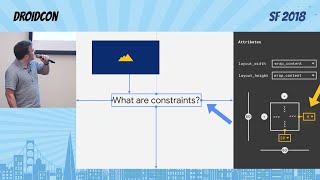
ConstraintLayout claims to replace nested layouts by providing a flat view hierarchy, cutting XML files and developer iterations, and the demo shows live editor edits (aspect ratios, guidelines) and a recreated YouTube-style animation that works. Animations use transitions between ConstraintSets to animate constraint sets; MotionLayout (a ConstraintLayout subclass) defines scene-to-scene animations in XML, triggers by click or swipe, supports keyframes but only affects direct children. Stable release lands about a year after beta.
AI-written summary · about
chapters (13)
- 0:00Intro
- 1:50About Me
- 3:36Layouts
- 5:18Challenges with layouts
- 8:39Solutions
- 11:34Constraint Layout
- 12:46Linear Layout
- 13:27Remove Layouts
- 13:58Constraints
- 15:36Motion layout
- 16:55Motion layout example
- 18:00How to choose layout
- 19:52Resources
related talks
 35mConstraintLayout 2.0
 41mConstraintLayout 2.0
 49mMotionLayout & ConstraintLayout 2.0
 46mConstraintLayout 2.0 : let’s use the new things!
 35mWhat's new in ConstraintLayout
 42mConstraint-ly motion ~*~ making your app dance with With ConstraintLayout
 50mDeep dive into MotionLayout
 40mAdvanced & Practical MotionLayout