Make the Most of Android Vitals
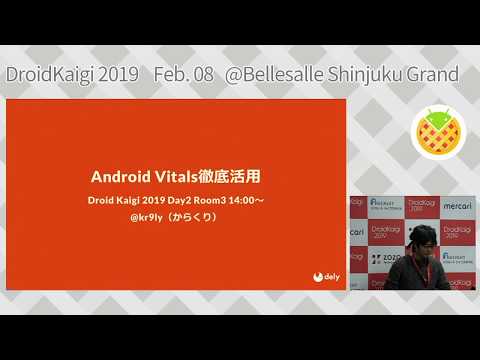
summary
Shows how to use Google Play Console Android Vitals together with Android Studio profilers to find and fix startup, rendering, and ANR hotspots. Describes capturing ANR thread dumps, uploading ProGuard mappings, running long Release/pre-release automated UI tests, using code-level method tracing and Device File Explorer to retrieve traces, and moving heavy initializations (e.g., Kinesis Firehose, ThreeTenABP zone data) off the main thread with Dagger lazy plus background init to cut view-init latency to about three seconds; also uses narrow one-frame traces to diagnose jank.
AI-written summary · about
chapters (15)
- 0:00Introduction
- 1:13Android Vitals overview
- 2:27User comfort factors
- 3:57Crash and ANR monitoring
- 6:09Pre-release report use
- 8:02ANR deep dive and fixes
- 9:10Performance metrics overview
- 11:04Method tracing basics
- 13:49Manual tracing pros and cons
- 14:44Code-level method tracing
- 16:29Startup time improvements
- 18:48Rendering time optimization
- 20:38Rendering bottleneck detection
- 22:10Trace result methods
- 22:59Android Vitals summary
related talks
 53mCheck your app's vitals
 40mAndroid vitals: Debug app performance and reap rewards
 35mIn Search of Performance: the Subtle Art of Android Profiling
 38mImprove your app and game quality with Android vitals
 45mFinding and Fixing Performance Problems
 17mVitals: Past, present & future
 45mHigh performance in Android
 41mDeep dive into Android Studio Profilers