Android on Chrome OS: What you need to know
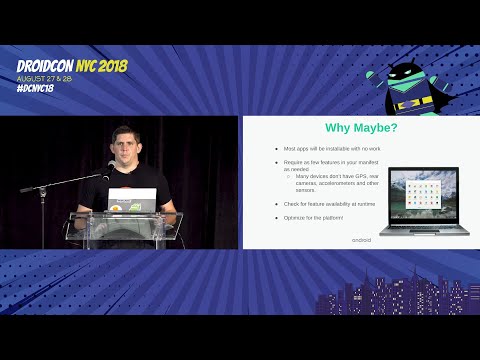
summary
Play Store is production on Chrome OS and Pixelbook ships with Android P support soon, so expect Android apps to run on laptops and tablets with minimal installs but surprising brittleness around desktop behaviors. Use ADB over USB (Pixelbook and HP Chromebook X2) or the Chrome OS emulator to test resizing, keyboard, mouse, right click and drag and drop. Target API 23+ for proper multiwindow, add context click listener (API 24) and stylus APIs, and handle 4–6 rapid config changes during freeform window resizes.
AI-written summary · about
chapters (7)
- 0:00Introduction and overview
- 4:02Why Chrome OS matters
- 8:38Optimizing for desktop input
- 14:12Window management challenges
- 20:54Handling configuration changes
- 22:41Development tools and resources
- 24:27Q&A and closing
related talks
 41mWhat’s new in Android apps for Chrome OS
 36mBuilding Android apps for the Chrome OS ecosystem
 29mUsing Android apps on Chromebooks for greater productivity & flexibility
 16mDeveloping for Android & large screens
 12mOptimize your Android games and apps to run on Chrome OS
 09mWhy and how to optimize your app for ChromeOS
- 09mWhy and how to optimize your app
 16mOptimizing games for