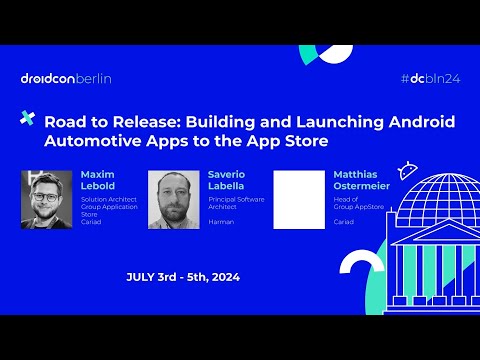
Building and Launching Android Automotive Apps to the App Store
summary
Builds a real Android Automotive app end to end using the Android Automotive emulator (Google/Volvo images, Pixel tablet, cuttlefish) and the Ignite portal, ties UI to a media browser service so audio can run while driving, and uses Google’s unbundled apps and Car UI library (versions 1.2–1.4, migrating to 1.7) for templates. Demonstrates CI images, upload/approval flow to the app store (registration ~1–2 hours), and a live run that crashes during demo — deployment works but driving-allowed behavior requires manifest flags and OEM approval.
AI-written summary · about
chapters (13)
- 0:00Android Automotive app dev intro
- 3:33Developing without special SDKs
- 7:08Android Automotive emulators setup
- 13:13Media apps and driver distraction
- 20:24Manifest flags for driver apps
- 23:13App store approval process
- 24:45Unbundled apps and media UI
- 28:43Media browser services code
- 33:03CarUi templated apps
- 36:57Register and publish apps
- 39:09Android Automotive adoption across car manufacturers
- 40:10Parket apps and UI customization
- 43:08Summary and resources
related talks
 12mBuilding and Shipping Android Automotive Apps
 31mHow to build Android apps for cars
 32mIt's time to develop apps for Android cars
 38mDeveloping Apps for Android Auto.
 29mHow Android Automotive Helps Us to Design and Build In-Car User Experiences
 14mHow to Build Android Apps for Cars
 23mGoing on a road trip with Android Auto
 23mMy car - my ecosystem? A close view on emerging automotive app stores