A Deep Dive on Running Background Tasks in .NET Core
summary
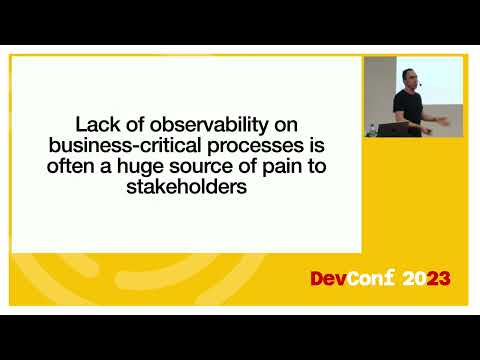
Covers concrete options: BackgroundService/IHostedService for simple timers and long‑running loops, worker service and Windows Task Scheduler for legacy VMs, Hangfire with Hangfire recurring jobs and built‑in retries and dashboard, Azure Functions with cold starts and a $157/mo Premium tier, and container approaches for heavy CPU work. Gives a case study where moving from Azure Functions to Kubernetes yields 80% cost savings, shows health checks and logging strategies for observability, and warns against running CPU‑bound work inside web apps.
AI-written summary · about
chapters (13)
- 0:00Introduction and speaker intro
- 1:04Why background tasks matter
- 5:00Legacy systems and task scheduler
- 11:57IHostedService and background services
- 19:20Worker service project template
- 23:13Hangfire for background jobs
- 30:58Azure Functions for tasks
- 36:26Azure Web Jobs overview
- 37:08Containers for background tasks
- 41:42Customer case study scaling
- 44:10Observability and monitoring
- 46:44Health checks in .NET Core
- 48:56Q&A and resources
related talks
 59mThe Background on Background Tasks in .NET Core
 01h 00mTactics for Building Background Services in .NET
 01h 00mBackground Services in ASP.NET Core and .NET
 01h 06mThe Background on Background Tasks in .NET 6
 45mDotNet Core in Production
 01h 01mASP.NET Core Deep(er) Dive
 35mRunning a DevOps Style Production Docker Cluster Using the Microsoft Platform
 01h 02mGetting the best out of ASP.NET Core in Azure