~/talk

Debugging Cypress Tests Like a Pro: Tools, Tactics, and Mindset
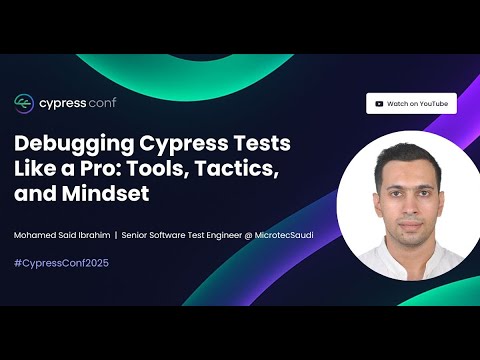
Talkat CypressConf 2025 · 2025-10-21..10-24· [testing, developer-experience]
links:none on file
slides:none on file

A practical set of tactics for stopping flaky Cypress tests: use the Cypress command log and cy.pause to inspect the DOM at each command, use Chrome DevTools network and JS debugger to confirm API responses and variable states, and replace arbitrary timeouts with cy.intercept and a custom cy.waitUntil that waits for the grid to have at least one row. A CI bug that failed randomly despite 99% local passes is fixed by recording videos, diagnosing empty data grids, and asserting on the concrete state rather than fixed waits. Use cypress-image-snapshot and automatic Slack screenshot posts for visual evidence.

AI-written summary · about

  1. 0:00Introduction to debugging mindset
  2. 1:49Core debugging tools in Cypress
  3. 3:58Preventing flaky tests with resilient selectors
  4. 5:04Taming asynchronous timing issues
  5. 6:11Real-world debugging case study
  6. 8:51Quick tips and community resources
  7. 9:32Q&A session
~/search
type to search 8,222 conferences, 162,397 speakers and 219,688 talks
~/help
cmdctrl k
search every conference, speaker and series
/
focus the filter search
h
home
c
conferences
s
speakers
e
series
t
light / dark — the status bar button does the same
← →
on a talk: 5 seconds back / forward
0–9
on a talk: jump to 0%–90% of the recording
?
this help
esc
close this, then clear every filter — or just the search, while you are typing in it

Ignored while you are typing. Pages without a filter rail have no search to focus.