Connect systems without code using MuleSoft Composer!
summary
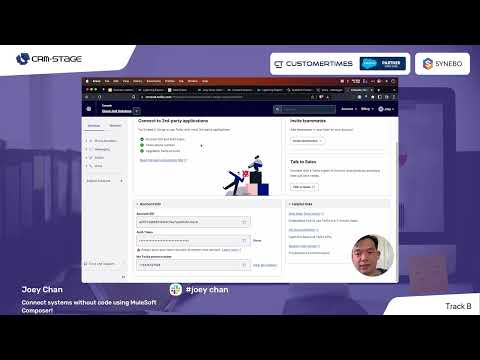
MuleSoft Composer runs on Anypoint and lets admins build no-code integrations; demo builds a daily scheduler that queries Salesforce contacts (filters for opt‑in and nonempty mobile), iterates results and sends an SMS via Twilio and a Slack notice — messages are sent successfully. It uses DataWeave expressions for templating, can call HTTP endpoints (demonstrated with WhatsApp Cloud API), and currently lists 26 connectors. Limitations noted: no sandboxes, no versioning, coarse scheduling, runs on one MuleSoft instance and consumes Salesforce API calls per step, access is partner-limited.
AI-written summary · about
chapters (19)
- 0:00Introduction to MuleSoft Composer
- 1:40Problem with current integrations
- 2:22What is MuleSoft Composer
- 3:07Who benefits from Composer
- 4:11Demo overview
- 5:16Building birthday notification flow
- 8:06Testing the flow
- 12:20Adding Slack notification
- 16:17Other system actions
- 18:25Using HTTP connector
- 24:16WhatsApp integration demo
- 26:29Available connectors
- 27:35MuleSoft vs alternatives
- 29:24Composer vs Anypoint Platform
- 31:11When to use Composer
- 33:21Implementation considerations
- 35:48Testing and versioning
- 36:52Access and learning resources
- 38:17Community and feedback