Upgrade from "permissive C++" to "modern C++" with Visual Studio 2019
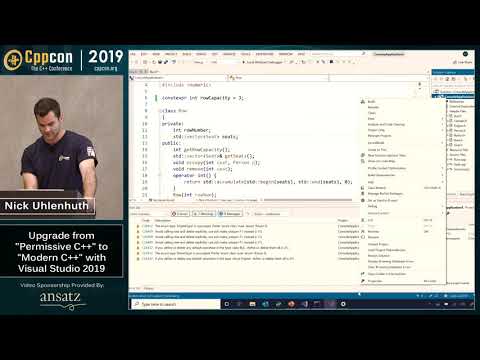
summary
Shows how Visual Studio 2019 moves a legacy codebase to strictly conformant C++: flip the permissive- flag to catch late-parsed errors, use quick actions to convert macros to constexpr and strings to raw literals, apply make_unique to remove manual new/delete and resolve green-squiggle warnings, change enums to enum class, and replace a union with std::variant plus std::visit (auto-inserted #include fixes broken builds). IntelliSense + IntelliCode offers context-aware suggestions; the demo preserves identical program output while reducing file warnings to zero.
AI-written summary · about
chapters (8)
- 0:00Introduction to Modern C++
- 1:28Project Configuration
- 4:00IDE Productivity Features
- 5:43Refactoring Code
- 9:14Applying Core Guidelines
- 12:59Modernizing Data Structures
- 18:09String Literals and Recap
- 19:42Resources and Q&A
related talks
 01h 00m“Latest and Greatest in the Visual Studio Family for C++ Developers 2018”
 47mHelp, My Team Is Stuck In The 90s
 01h 00m“Latest and Greatest from the Visual Studio Family for C++ Developers"
 44mAdventures In Updating A Legacy Codebase
 59mHow to start a modern C++ project?
 01h 02mWhat's New in Visual Studio for C++ Developers
 31m“New standards to the rescue: the view through an IDE’s glasses”
 01h 01mModern day C# development in Visual Studio 2019