~/talk

Basic troubleshooting of network services
links:none on file
slides:none on file

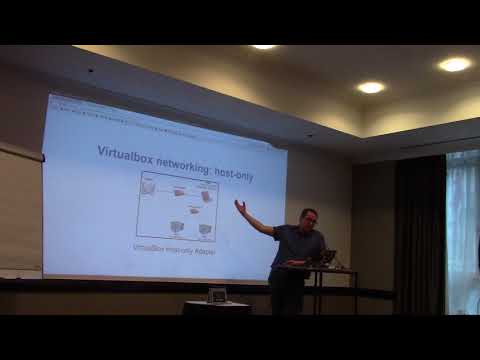
A bottom up method that starts at the link layer and climbs the TCP/IP stack to root cause a broken virtual web service on EL7 using a VirtualBox testbed where the DB VM (MariaDB) already works and the web VM does not. Checks include interface and IP, routes and DNS resolution with ip addr / ip route / dig or host, live logs with journalctl -f, service and sockets with systemctl status/start/enable and ss -l -t -p, and firewall rules via firewall-cmd --add-service --permanent --reload. Back up configs, test each step, and automate checks with bats.

AI-written summary · about

  1. 0:00Introduction and setup
  2. 3:08Bottom-up approach
  3. 5:19Network access layer
  4. 11:15Internet layer
  5. 21:39Transport layer
  6. 30:04Best practices and tips
~/search
type to search 8,222 conferences, 162,397 speakers and 219,688 talks
~/help
cmdctrl k
search every conference, speaker and series
/
focus the filter search
h
home
c
conferences
s
speakers
e
series
t
light / dark — the status bar button does the same
← →
on a talk: 5 seconds back / forward
0–9
on a talk: jump to 0%–90% of the recording
?
this help
esc
close this, then clear every filter — or just the search, while you are typing in it

Ignored while you are typing. Pages without a filter rail have no search to focus.