Optimizing Your Amazon Redshift Cluster for Peak Performance
summary
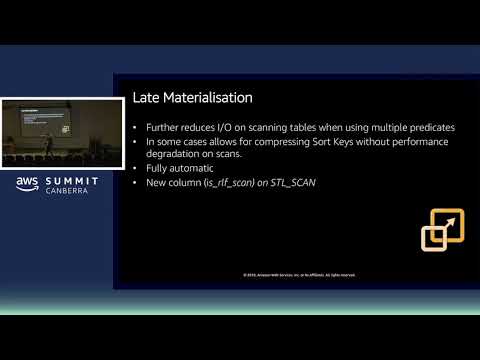
Recent Redshift features include short query acceleration that yields about 3x throughput for short queries, result caching, and late materialization that cuts I/O on predicate columns; compression typically gives 2–4x compression. Practical rules: use appropriate distribution keys or EVEN/ALL to reduce network chatter, choose sort keys on filter columns, run VACUUM/ANALYZE regularly, prefer ALTER TABLE APPEND for bulk loads, split files to 1 MB–1 GB, maintain 20% free space, and prefer DC2 over DC1.
AI-written summary · about
chapters (16)
- 0:00Intro
- 1:48Significant Features & Patches
- 2:27Amazon Redshift Architecture
- 4:52Think Toaster
- 6:07Short Query Acceleration
- 8:51Results Caching
- 11:55Migration
- 13:28Data Distribution • Distribution Styles
- 15:00Table Design Summary
- 17:50Copy & Unload
- 19:47Extract, Load & Transform (ELT)
- 21:48Vacuum & Analyse
- 23:08WLM & QMR
- 25:16Cluster Sizing
- 28:17AWS Labs On Github - Amazon Redshift
- 30:09Back To Our Toaster...