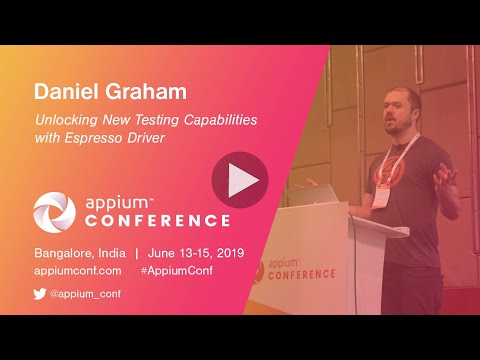
Unlocking New Testing Capabilities with Espresso Driver
summary
Espresso-based Appium driver claims three concrete wins over UiAutomator2: stable UI sync via IdlingResource so clicks on a popup stop flaking without sleeps or retries, element lookups that target adapter data using Android DataMatcher which does a single smooth scroll to off‑screen items (demo: 21s→13s), and WebView navigation via Espresso WebAtoms. Tradeoffs: requires app code changes to register idling resources, cannot automate other apps or system UI, and RecyclerView adapter support is not implemented yet.
AI-written summary · about
chapters (16)
- 0:00Introduction
- 0:38WebDriver Protocol
- 1:46Automations
- 7:35Basic Test Case
- 8:03Basic Appium Script
- 11:14Pseudocode Solution
- 13:23Retries
- 15:30Espresso
- 18:14Why Espresso
- 19:27What is an idling resource
- 22:58Other idling resources
- 24:20Find elements outside the viewport
- 28:33Performance
- 29:31Scrolling
- 32:21Espresso locators
- 38:59Questions
related talks
 43mMobile Automation State in 2019
 44mDrink Espresso during Android Testing
 01h 29mHello Espresso! Start with Android Gray box automation
 57mAppium: Automation for Apps
 44mEfficient testing UI Android apps by example
 15mChoose a Mobile Test Automation Framework That Suits Your Team
 41mUIAutomator2 & Espresso drivers - The Perfect Duo for MQTT (IoT)
 53mSolving Espresso Android Autotest Issues in the Real World